


At this point in the year I start thinking about all the things I haven’t done over the last year. Teaching is winding down, the marking pile will eventually recede, and the long-deferred projects will, hopefully, get some attention at last. It is the natural moment for a quiet half hour at the desk, with a coffee and a notebook, to take stock of the tools that will be doing the work alongside us.
Last year I wrote about the AI tools that have become indispensable to research and teaching, and a number of readers wrote back asking the obvious follow-up question. What about everything else? The schedule, the inbox, the notes, the references, the slowly accumulating backlog of papers that need reading. The plumbing of academic work, in other words, rather than the AI work itself.

It is worth pausing on why this matters. The American Time Use Survey shows that people who work spend an average of 8.1 hours a day doing so, and those who pursue formal education add 5.4 hours on top. Most of us recognise these figures all too well. The point of this productivity toolkit, then, is not that it makes you more virtuous or harder-working. It is that the right tools let you finish the same work in less time, and the hours you reclaim are the ones that belong to your family, your friends, and the parts of yourself that have nothing to do with academia.
A note on framing before we jump in to the list. Most academics no longer have the luxury of choosing their core infrastructure: institutional contracts have pulled almost everyone into the Microsoft 365 ecosystem, with Outlook, Teams, OneDrive, and the rest. That is not a complaint. Microsoft's offer has improved substantially in recent years and the data governance story for institutional users is, on balance, the right one. Where I name a Microsoft tool as the institutional default below, that is recognition of the constraint most readers actually face. Where I name something else as the stand-out, it is because there is a genuine case for paying for, or switching to, the better tool.
Contents

📋 Task and Project Management
Where your week actually lives. Most academics now run three or more lists in parallel across institutional and personal tools.
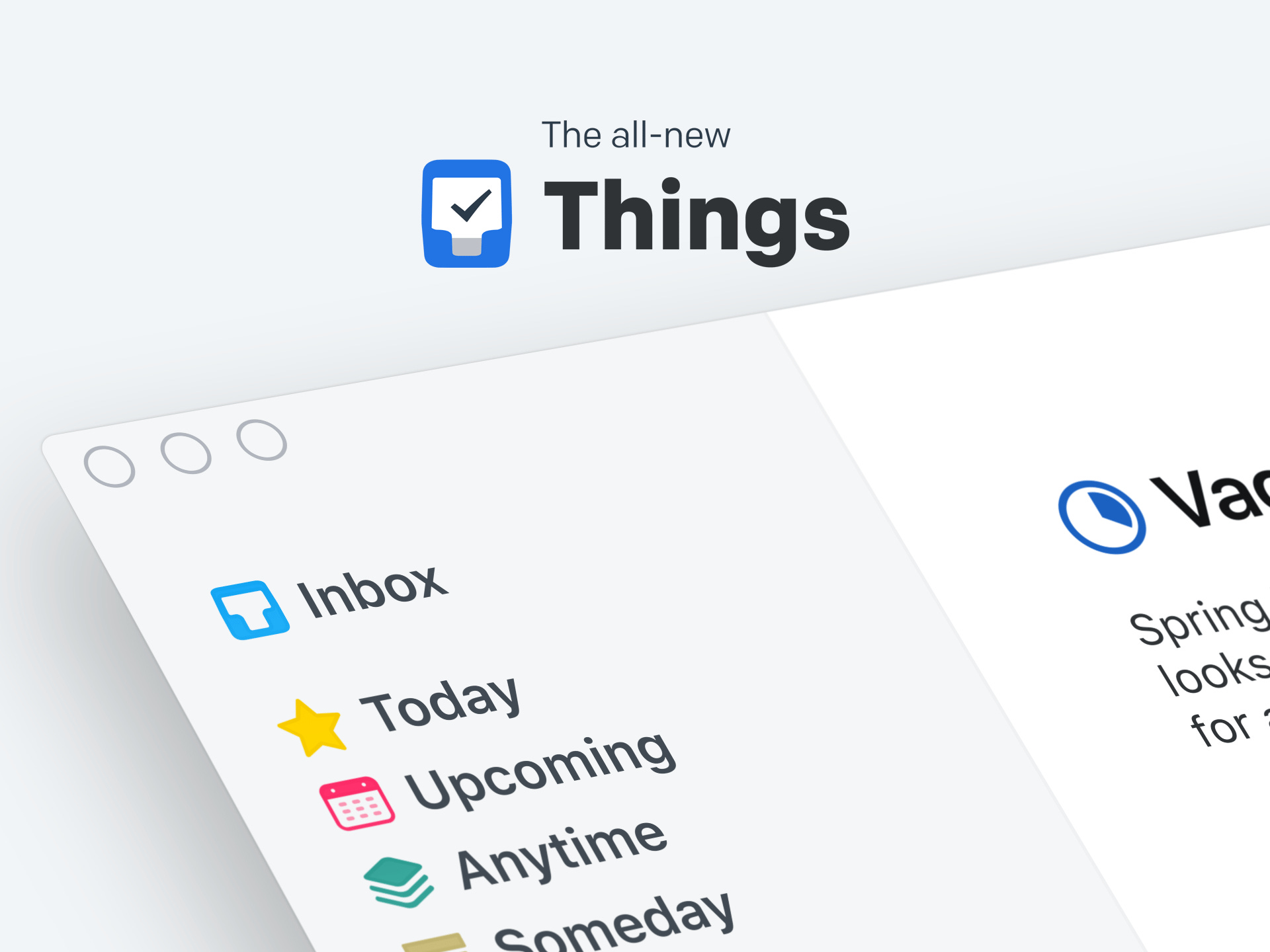
Things 3
Best task manager for Apple users who don’t collaborate.
A focused, Apple-only task manager that turns a chaotic week into a calm review. Strong Today and Upcoming lists, lightweight projects, and a level of polish that makes capture genuinely frictionless.
This app uses the Getting Things Done (GTD) method and it has genuinely changed my life. No more panicking about forgotten tasks. No anxiety about future tasks, which always resurface when it’s time to work on them. No more missed deadlines.
If you need to stay in the Microsoft 365 ecosystem then I would recommend your institutional default, which is most likely Microsoft To Do. It’s not all bad, though! The visual design, on iOS at least, is clean and refreshing, and it is tied directly to Outlook flagged emails and Teams tasks, so it earns its place by being already wired in.
If Things 3 is too Apple and Microsoft To Do is too simple, I would suggest looking at Todoist. Cross-platform, with natural-language entry and powerful filters. The right pick for researchers working off Windows or Android, or collaborating across institutions
🧠 Notes and Knowledge Management
The second brain. The space where lecture prep, reading notes, half-formed ideas, and meeting minutes accumulate.
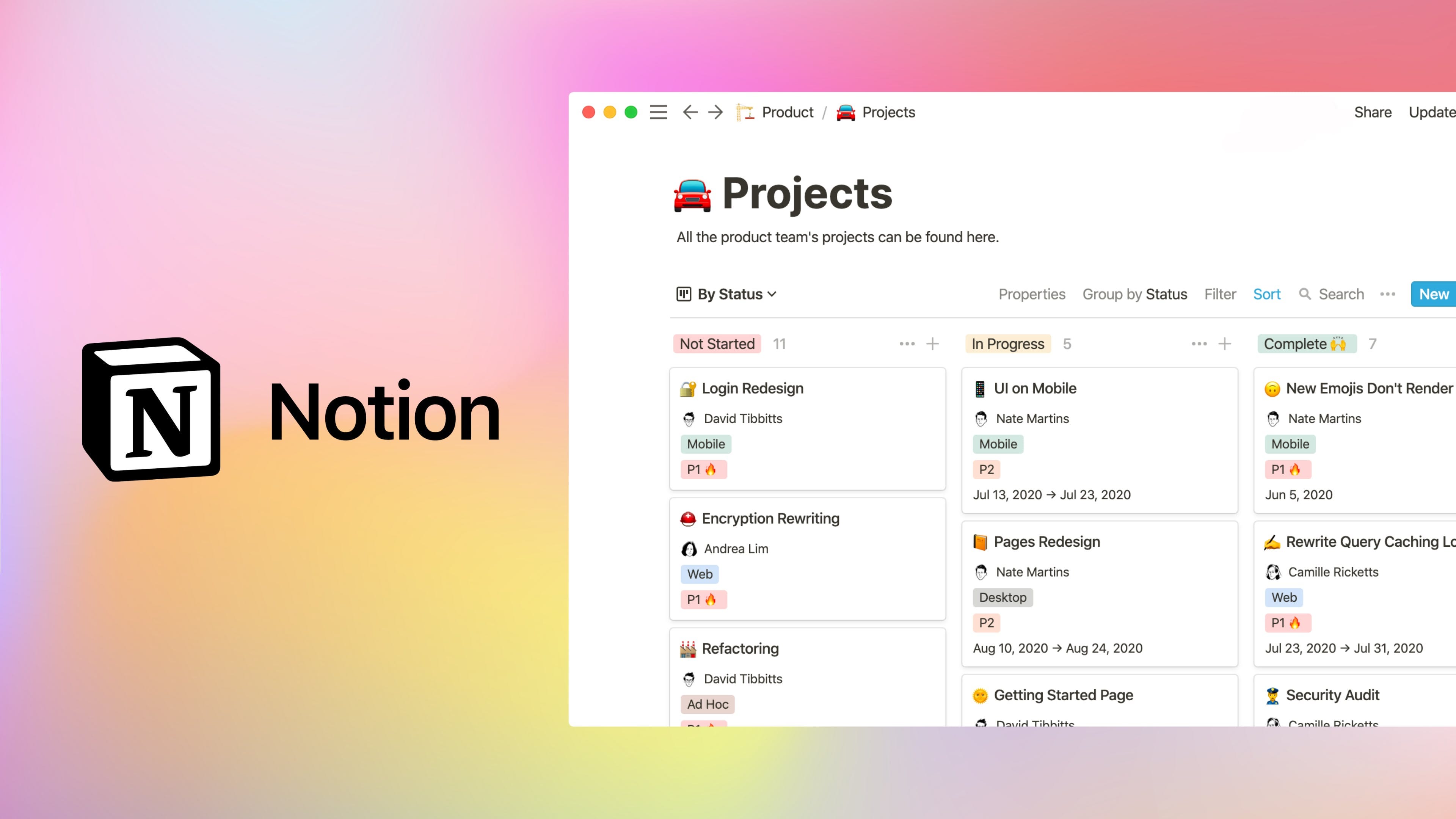
Notion
Best second brain for anyone who gets lost their notes.
What sets Notion apart for academics is not the document editor but the database layer. A linked database of reading items, grant applications, supervision tasks, or course materials behaves like a small research information system, with views, filters, and relationships across them. Once you start using it this way it is difficult to go back.
If you live on Apple devices, Apple Notes has quietly become the most reliable everyday tool. Quick capture, document scanning, handwriting recognition, smart folders, and instant sync across iPhone, iPad, and Mac. Free, fast, and good enough for most users.
If simplicity is your thing, Apple Stickies or Microsoft Sticky Notes is probably what you’re looking for. When the goal is “get this thought out of my head before the next meeting”, a sticky note pinned to the desktop is still the most honest tool. Microsoft’s version is slightly superior: it syncs across your devices via OneDrive.
Microsoft also make OneNote, but it is one of their weaker and clunkier Office products.
📚 Reference Management
Citations, PDFs, and the slow accumulation of “I’ll read this later”. Choice here usually lasts a career.